

ControlIT Web Gateway: Controlled Internet for Every User and Branch
ControlIT Web Gateway applies URL, category and application policy to every user, branch and remote laptop, and logs each request by user, group and verdict.
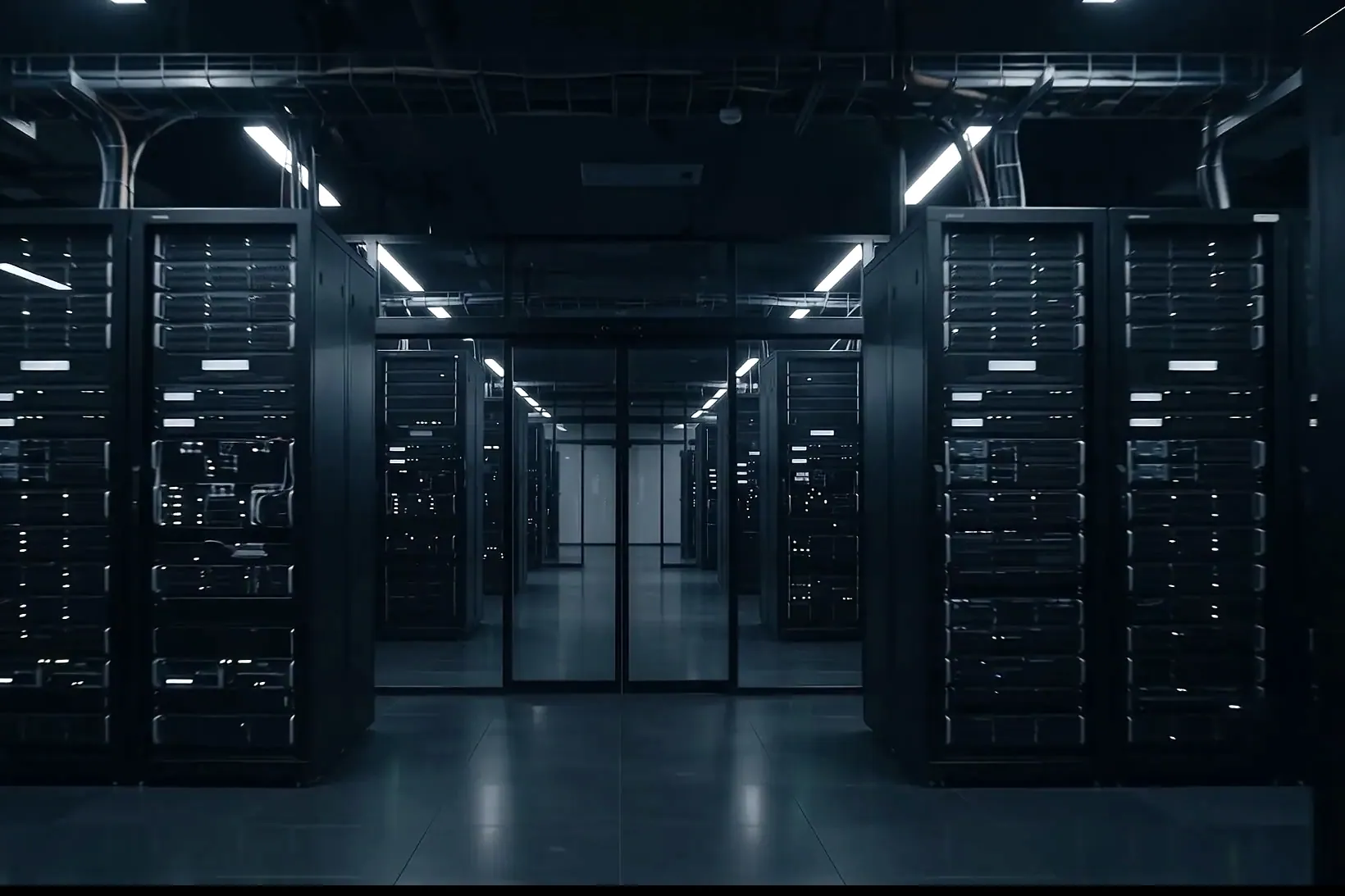
Every request, decided and logged
What this actually does
Control and secure internet access for every user, branch and remote laptop.
URL and Category Filtering
allow or block sites by URL or by category, such as social media, streaming, gambling, file sharing and AI services.
Application Control
allow, restrict or block specific internet applications and cloud services.
Malware and Phishing Protection
an added layer against known malicious sites and downloads, with optional HTTPS inspection where you choose to configure it.
User and Group Policies
different rules for management, staff, developers, vendors and guests, by time of day, with bandwidth priority for business traffic.
Logging and Reporting
every request logged by user, device, URL, category, policy and verdict, with reports on top sites, blocked categories and bandwidth.
One policy per group, wherever it works.
Finance, remote staff, vendors and administrators each get their own rules, for private applications over the overlay and for the internet through the gateway, the same at head office, a branch or home.
| Private, over Secure Access | Internet, through Web Gateway | ||||||
|---|---|---|---|---|---|---|---|
| Group | ERP | Finance Files | Server Management | Business SaaS | Banking | Social Media | Known Malicious |
| Finance | Allowed | Allowed | Blocked | Allowed | Allowed | Outside working hours | Blocked |
| Remote Staff | Allowed | Blocked | Blocked | Allowed | Blocked | Outside working hours | Blocked |
| Vendors | Allowed | Blocked | Blocked | Blocked | Blocked | Blocked | Blocked |
| IT Administrators | Allowed | Blocked | Allowed | Allowed | Blocked | Outside working hours | Blocked |
What changes as a result
- One internet policy for office, branch and remote users
- Every request logged by who asked, what matched and why
- Business traffic ahead of streaming and downloads
- An added layer against known malicious sites
Three ways to find out if it fits.
AD Readiness Review
Forty-five minutes on your directory and remote access, and a one-page verdict you can circulate.
Book the reviewThe 14-Day Pilot
Five criteria agreed in writing first, then tested on real endpoints. If it fails, you walk.
Plan a pilotTalk to Us
Tell us about your sites, endpoints and directory. We will tell you what the overlay changes.
Talk to us








Scope a Web Gateway rollout
Bring us your directory, your remote access and your sites. We will map what the overlay changes before anyone signs anything.